How to check if a PDF redaction actually worked
A black bar looks exactly the same whether the text under it is gone or still sitting there. These five checks take a few minutes and need nothing more than a free PDF reader.
The short answer
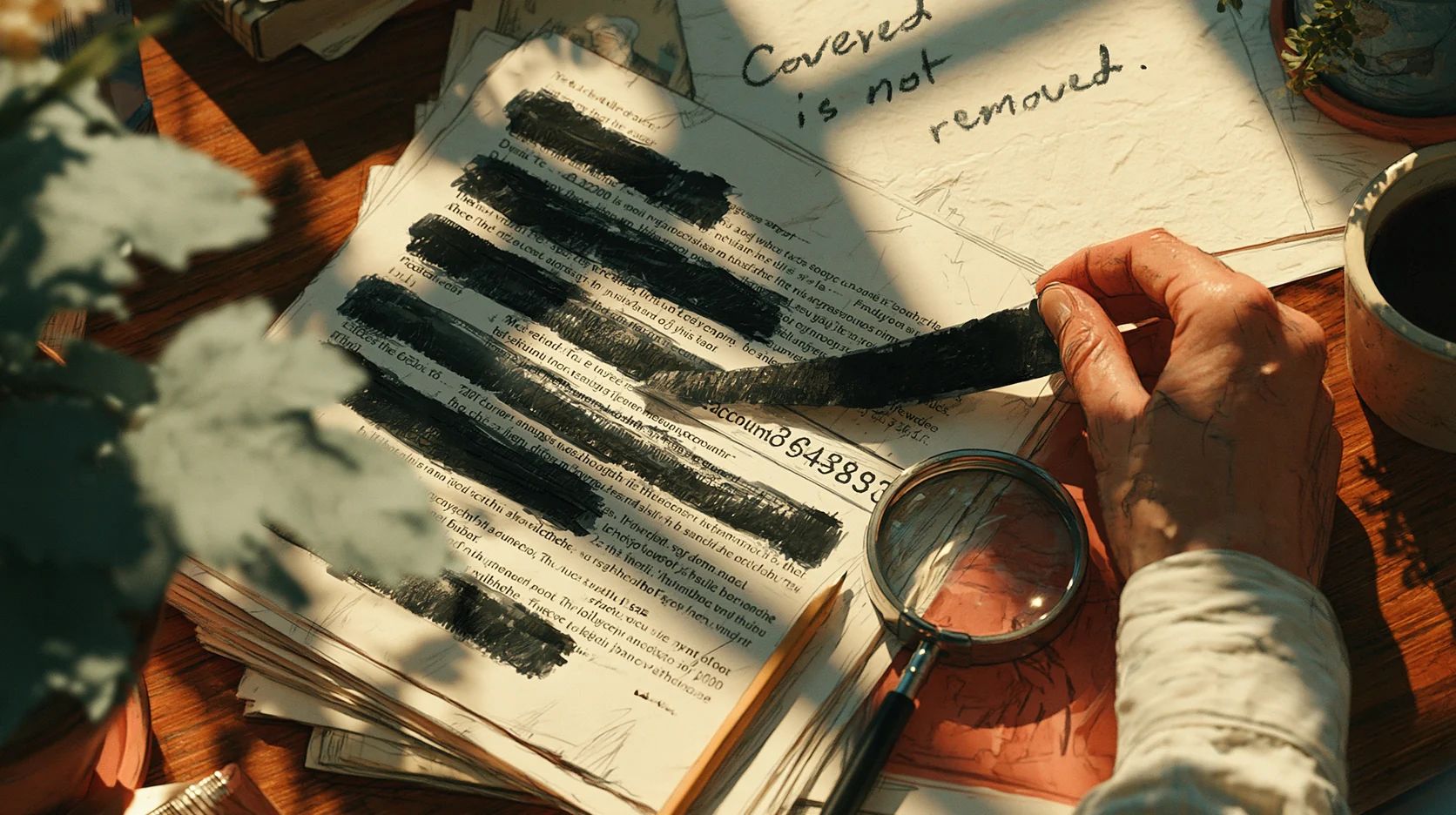
Most failed redactions fail the simplest test there is. Select the black bar, copy it, and paste it into a text editor. If words appear, the redaction didn’t work.
If nothing appears, keep going. Search the document for the words that should be gone, try to move the box, export all the text, and look at what lives off the page: properties, comments, attachments and bookmarks. Scanned pages and files with older versions inside need checks of their own, described further down.
Why black boxes fail
A real redaction removes the text, or the pixels of an image, from the file. A fake one only covers it. On screen and on paper, the two look identical.
The usual ways to get it wrong:
- A black highlighter in Word. The text is still there, just hard to see. One US appeals court puts it bluntly in its filing guidance: “Users must redact in Adobe, not Word.”
- A shape drawn over the text in a PDF editor or design app.
- A black comment, or a redaction mark that was never applied. In Acrobat, a redaction mark only covers the text until someone clicks Apply.
- A box laid over a scanned image. The picture underneath stays complete.
- An older version saved inside the file, which some programs keep when they save changes.
None of this is new. The NSA warned in 2005 that “the most common mistake is covering text with black”. Paul Manafort’s lawyers filed a document in 2019 whose redacted parts could be revealed “by simply highlighting those bars and copying and pasting the text”. In 2022, researchers found more than 700 public court documents with redactions that came undone the same way.
We tried it ourselves. We took a two-page letter with a name, a bank account number and a phone number on page 1 and made seven “redacted” versions of it, using each of the methods above. Six looked properly blacked out. The seventh, with redaction marks that were never applied, showed only outlines in our viewer, which at least gives the game away. In five of the seven, all three details came straight back out when we extracted the text, which is exactly what copy and paste does.
Test 1: select and copy
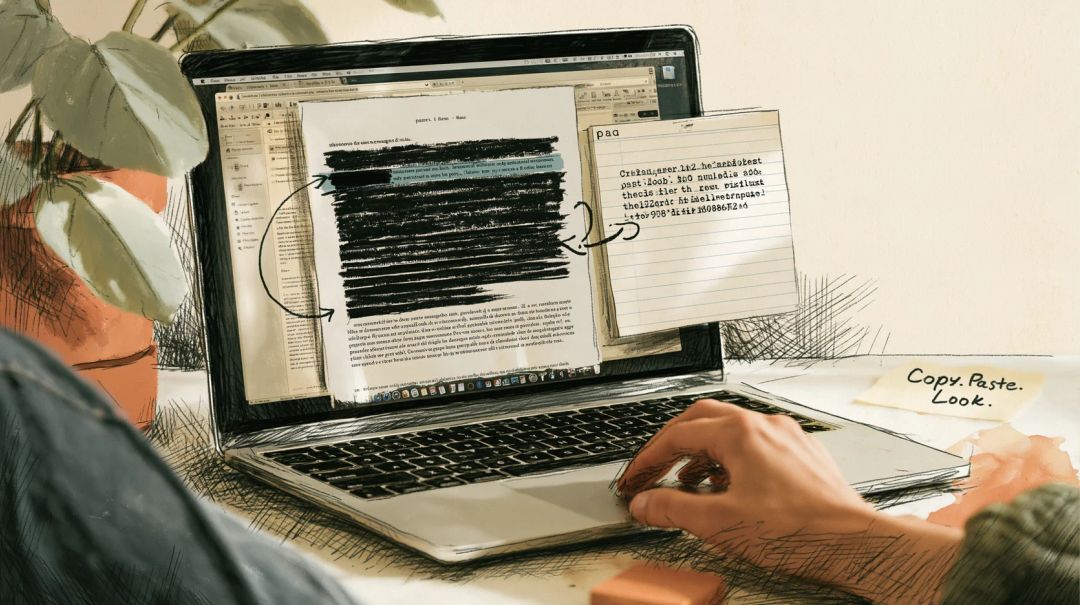
Open the PDF in any reader. Drag across the black bar, taking a few words on either side, and copy (Ctrl+C, or Cmd+C on a Mac). Paste into Notepad or TextEdit.
If the hidden words appear, the redaction failed. If you get the words on either side and nothing in between, that’s a good sign, but only a sign. The NSA’s guide recommends exactly this kind of review: copying the text into a blank document.
Test 2: search for what should be gone
Press Ctrl+F (Cmd+F) and search for each thing that was meant to disappear: the name, the account number, the address. Search for fragments as well. Numbers are often written with spaces or dashes, so the last four digits will catch more than the full number would. A name can also appear as initials, or in a possessive form.
Search the whole document, not just the page you redacted. A name blacked out on page 2 may still be sitting in plain view on page 14.
A match inside a black area means the redaction failed. No match is not proof, as the rest of this article explains.
Test 3: try to move the box
Click the black box. If it gets a selection frame, can be dragged aside, or opens a little comment popup, it’s an object on top of the page and the content beneath it is intact. In Acrobat Reader, black boxes added as comments also show up in the Comments list, often with the name of the person who drew them.
The reverse doesn’t hold. A rectangle drawn into the page itself can’t be selected in a reader, yet the text under it is just as recoverable. That’s why this test comes after the first two.
Test 4: export all the text
Copying catches what you can select. Exporting catches the rest: tiny text, white text, text behind images, text on pages you never looked at.
- In the free Acrobat Reader: File > Save As Other > Text.
- In your browser: PDF to text pulls the text out of every page without uploading the file.
Open the text file and search it the same way as in test 2. In our test, the export turned up all three details in five of the seven files. Hushdesk’s tool also lists pages that have no text at all. If a page you redacted shows up as a scan, read the section on scans below.
Test 5: look beyond the page
Redaction tools deal with what’s on the page. Adobe’s own documentation is explicit: “Redaction removes only visible text and graphics. Hidden data, such as metadata or embedded content, must be sanitized separately.”
Check:
- Document properties. Title, author, subject and keywords. Our test letter was titled “Letter to Jane Doe”, and that title survived every one of the fake redactions.
- Comments. A comment can quote exactly what was blacked out.
- Bookmarks. They are often generated from headings.
- Attachments. Look for a paperclip in the sidebar.
- The file name.
If the properties are the only problem, Remove PDF metadata clears them. The guide to removing your name from a PDF walks through the rest.
Scanned documents need a different check
A scan is a picture of a page. Copy and search find nothing, which feels reassuring and proves nothing.
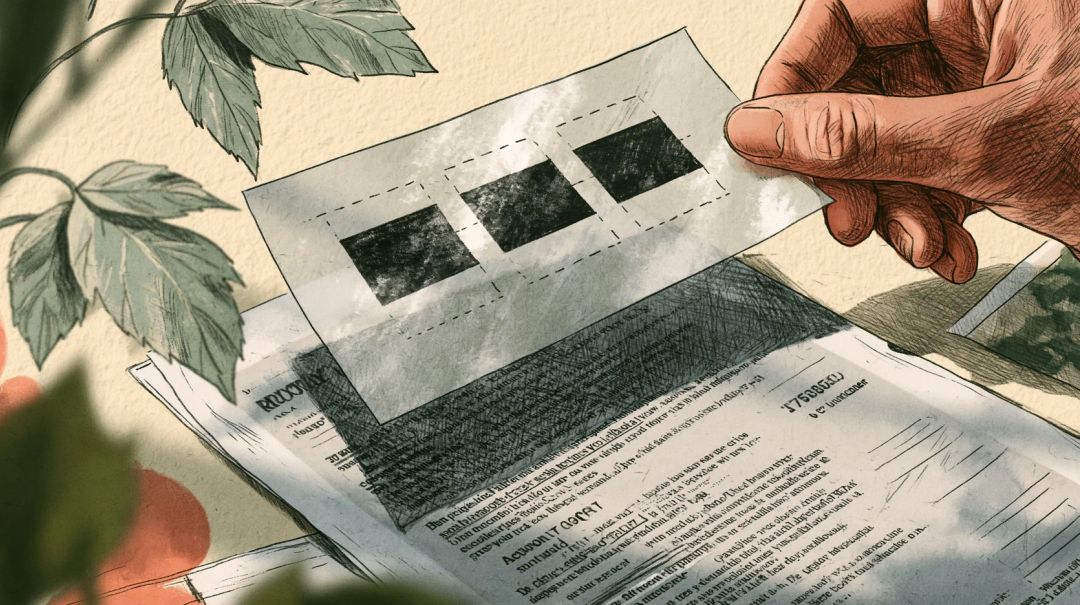
Boxes laid over the image. This was the most convincing of our fakes. Every text check came back empty, because there was no text. When we extracted the images from the PDF, the original page came out whole, with all three details readable. The PDF Association describes the right way in its analysis of the Epstein files: there, the black boxes “were all correctly applied directly into the image pixel data”, rather than floating above it. To check without special software, try test 3. If the box moves, the picture under it is complete. On a computer with poppler installed, pdfimages -png file.pdf page saves every image in the file so you can look at them.
A hidden text layer. Scans are often run through text recognition (OCR) so they can be searched, and the recognised text sits invisibly on top of the image. If the redaction blacked out the image but left that layer, tests 1, 2 and 4 will find the words.
Marker on paper. Ink and correction tape don’t always hide what’s under them. One US court’s filing guide warns that on a scan they “can still sometimes show enough information”, and after the Epstein releases people tried exactly that, playing with exposure and contrast on screenshots of scanned pages. Zoom in on each redaction and look closely.
Older versions hidden inside the file
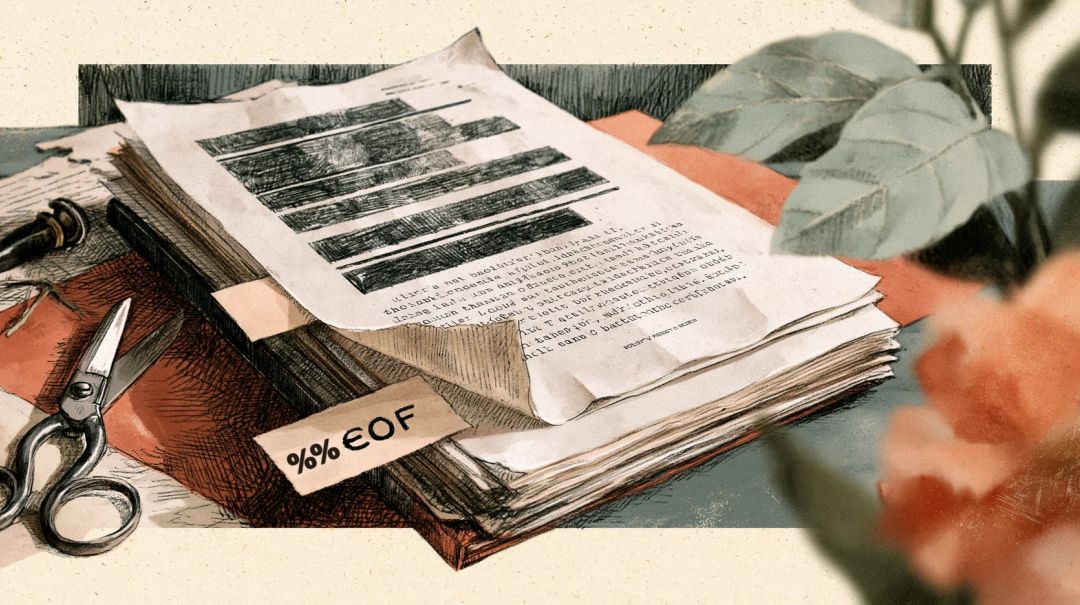
The PDF format lets a program save changes by appending them to the end of the file. The standard says this happens “leaving its original contents intact”.
For our seventh file, we replaced the page with one where the details were gone, and saved the change that way. The current version passed every test above: no text to copy, nothing to find, nothing to export. Then we cut the file off at the end of its first version. The original page came back with all three details on it.
To spot this, count how many times the marker %%EOF appears in the file. On a Mac or Linux, run grep -c %%EOF file.pdf. On Windows, open the file in Notepad and search for it. More than one means the file has been updated by appending, so older versions may still be inside. That is normal for signed PDFs, so it isn’t proof of a leak, but for a redacted document it’s worth fixing. Acrobat’s Sanitize document removes data from previous saves. Hushdesk’s Redact PDF rebuilds the whole file. In our test, it dropped the older version even from a file where it found nothing to redact.
How to redact properly
Start from the source if you can. In Word or Google Docs, delete the sensitive text and type something like [REDACTED] in its place, then export a new PDF. The NSA’s advice is the same: sensitive information “must be removed from the document through deletion”.
Adobe Acrobat Pro. Choose All tools > Redact a PDF > Redact text and images, mark the areas, then click Apply. In the dialog that follows, turn on the option to sanitize and remove hidden information, click Continue and save the file under a new name. To find every instance of a word, use Find text and redact instead. Adobe warns that “redaction is permanent and cannot be undone once applied and saved”, so keep the original separately.
Preview on a Mac (macOS Big Sur or later). Show the Markup toolbar, choose the redaction tool, and select the text. According to Apple, the redaction becomes permanent once you close the document. Apple also notes that table of contents entries linking to redacted text aren’t removed, so check the sidebar.
In your browser. Redact PDF finds words you type, or lets you draw boxes, and turns each page with a redaction into an image with the marked areas burned in. Other pages stay as they were. The whole file also loses its properties, XMP metadata, bookmarks and attachments. It runs on your device, so the unredacted document isn’t uploaded. What to expect:
- Everything on a redacted page becomes part of a picture, including the text you kept. In our test, page 1 had no selectable text afterwards, while page 2 was identical to the original.
- The search reads the page text, form fields and comments shown on the page. Scanned pages have no text to search, so draw boxes over what needs hiding there.
- The file gets bigger. Our two-page test letter grew from 2.5 KB to 40 KB at 150 dpi, 59 KB at the default 200 dpi and 109 KB at 300 dpi.
Whichever tool you use, run the five tests on the result before you send it.
What these tests can’t tell you
Passing all five tests means these tests found nothing, not that nothing can be found. The length of a black bar hints at the length of the word under it, especially in a typewriter-style font like Courier, where every letter is the same width. Researchers have shown that the spacing of the letters around a redaction can be enough to narrow down a redacted name, and sometimes to recover it. For court filings, medical records or anything that could put someone at risk, have a second person check the file, and consider a tool built for legal redaction.
What happened with the Epstein files
In December 2025, posts showing blacked-out text from Epstein-related documents being copied and pasted spread quickly. The details matter.
The PDF Association examined a sample of the main release of 19 December (Data Sets 1 to 7). It found those redactions done correctly and concluded that the files “do not contain recoverable text as alleged”. The failed redactions were in other documents on the Justice Department’s website: exhibits from earlier civil litigation, where black boxes simply covered the text. A department spokesman said those redactions had been applied by parties to the civil case.
After a far larger release at the end of January 2026, the AP reported further problems. Some names were redacted in one document and left exposed in another version of the same file, and some redactions could be undone by double-clicking. The department withdrew several thousand documents.
The copy-and-paste failures would have been caught by test 1.
How we tested
In October 2026 we made a two-page letter with three invented details on page 1: a name, the standard example UK bank account number, and a London phone number from a range set aside for TV and film. We produced seven redacted versions:
- black text highlighting in LibreOffice 25.2;
- a black rectangle drawn into the page;
- black square comments;
- redaction marks that were never applied;
- a scanned page with boxes on top;
- boxes added by appending to the file;
- a page replaced by appending to the file.
We checked each with poppler’s pdftotext and pdfimages, qpdf and Hushdesk’s PDF to text. Then we ran them through Hushdesk’s Redact PDF and checked again.
Short answers
Is black highlighting in Word enough? No. The text stays in the document and comes along when you export to PDF.
Why can’t I select text on a redacted page anymore? Some tools, including Hushdesk’s Redact PDF, turn the page into an image so nothing can hide beneath the boxes. The other pages keep their text.
Can a proper redaction be undone? The removed text can’t be brought back, because it is no longer in the file. The size and position of the boxes can still give hints, as explained above.
Does an empty search mean the redaction is fine? No. A scanned page has no text to search, and an older version inside the file won’t show up in a reader. Use all five tests and the scan check.
Should I redact a file someone else made? Work on a copy, redact, then run the tests on the new file. Keep the original somewhere safe, away from the copy you send.